You can have a strong visual idea and still struggle to make it move. Not because the idea is weak, but because translating it into motion usually requires tools, timelines, and technical layers that interrupt the original intent. This is where Image to Video AI starts to feel less like a feature and more like a missing link between imagination and execution.
The gap has never been about creativity. It has always been about friction. Traditional video creation asks you to rebuild what you already have—frame by frame, layer by layer. That process slows down thinking. It forces creators to switch from vision to mechanics too early.
What is different here is that the system does not ask you to reconstruct your idea. It asks you to describe it.
Why Description Becomes A New Form Of Control
Most creative tools rely on explicit manipulation:
- Drag this layer
- Adjust this timeline
- Set this keyframe
But describing motion is fundamentally different.
Language As A Creative Interface
Instead of adjusting parameters, you express:
- What should happen
- How it should feel
- Where attention should move
This shifts control from mechanical to conceptual.
Why This Matters For Creative Flow
When you describe instead of build:
- You stay closer to the original idea
- You reduce interruption from technical steps
- You iterate faster
In practice, this often leads to more exploratory outputs.
Understanding The System As A Translation Engine
It helps to think of the platform not as a generator, but as a translator.
From Image To Motion Representation
The input image provides:
- Spatial layout
- Subject identity
- Visual constraints
The system respects this structure rather than replacing it.
From Language To Motion Interpretation
The prompt is not executed literally. It is interpreted.
For example:
- “Slow cinematic zoom” becomes a pacing decision
- “Wind blowing hair” becomes a motion pattern
- “Emotional tone” becomes visual rhythm
From Static Frame To Temporal Sequence
The model fills in:
- Intermediate frames
- Motion continuity
- Perspective adjustments
The result is not a direct animation, but an inferred sequence.
What The Real Workflow Reveals About Its Design Philosophy
The simplicity of the workflow is intentional.
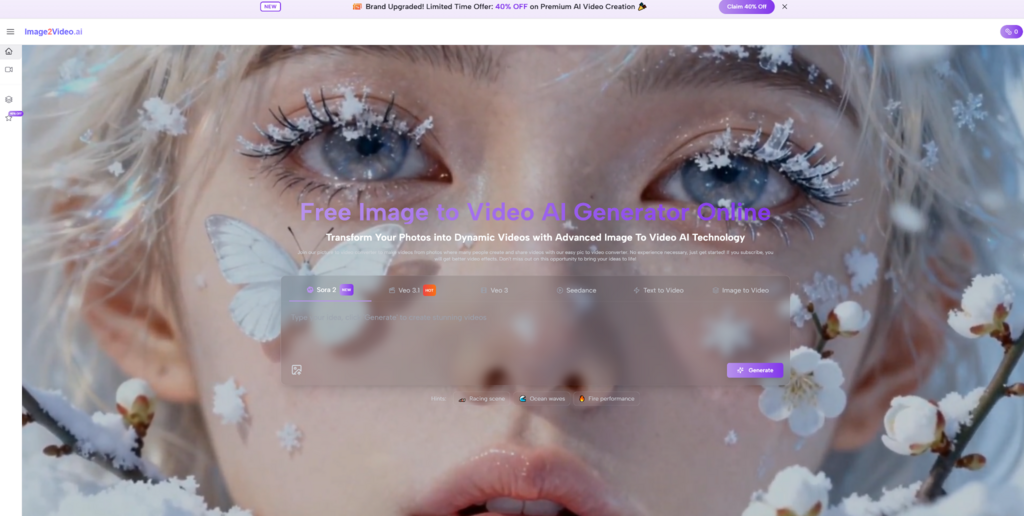
Step 1 Provide The Visual Starting Point
Upload a single image. This anchors everything that follows.
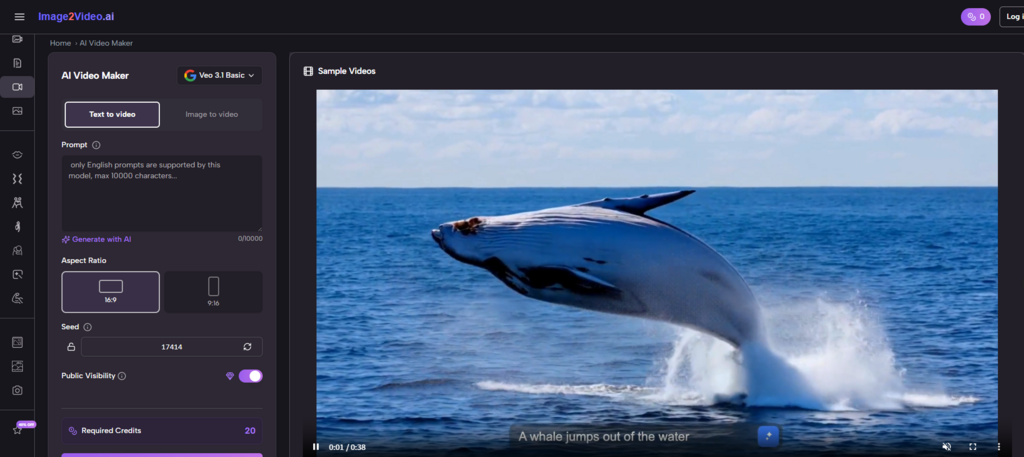
Step 2 Describe The Intended Motion
Use prompts to guide:
- Movement
- Camera behavior
- Atmosphere
Step 3 Generate And Evaluate The Result
The system produces a video output after processing. You then decide whether to refine or regenerate.
This process avoids unnecessary layers.
Why Iteration Replaces Editing
In traditional workflows, refinement means editing.
Here, refinement means regenerating.
Editing Versus Regeneration
Editing involves:
- Adjusting existing material
- Maintaining continuity
- Managing complexity
Regeneration involves:
- Changing input conditions
- Producing new variations
- Selecting outcomes
This is a fundamentally different mindset.
How This Changes Creative Strategy
Instead of aiming for precision early:
- You explore multiple directions
- You compare results
- You converge toward a preferred outcome
Where Camera Motion Becomes A Narrative Tool
One of the most interesting aspects is how camera behavior influences perception.
Observed Camera Effects
- Slow zoom adds emotional intensity
- Side pan reveals context
- Subtle tilt introduces depth
These are not manually controlled, but emerge from prompt interpretation.
Why Camera Movement Feels More Reliable
In many cases:
- Camera motion is smoother than object animation
- It provides structure to the scene
- It guides viewer attention effectively
This suggests that the system prioritizes cinematic coherence.
Comparing Creative Approaches Through A Structural Lens
| Dimension | Prompt-Based Motion | Traditional Editing |
| Control method | Language-driven | Parameter-driven |
| Iteration style | Regeneration | Adjustment |
| Time cost | Low | High |
| Learning curve | Minimal | Steep |
| Output predictability | Medium | High |
The system sacrifices precision for speed and accessibility.
Where This Approach Becomes Most Valuable
From a practical standpoint, several use cases stand out.
Idea Exploration
- Testing visual concepts quickly
- Generating multiple interpretations
Asset Transformation
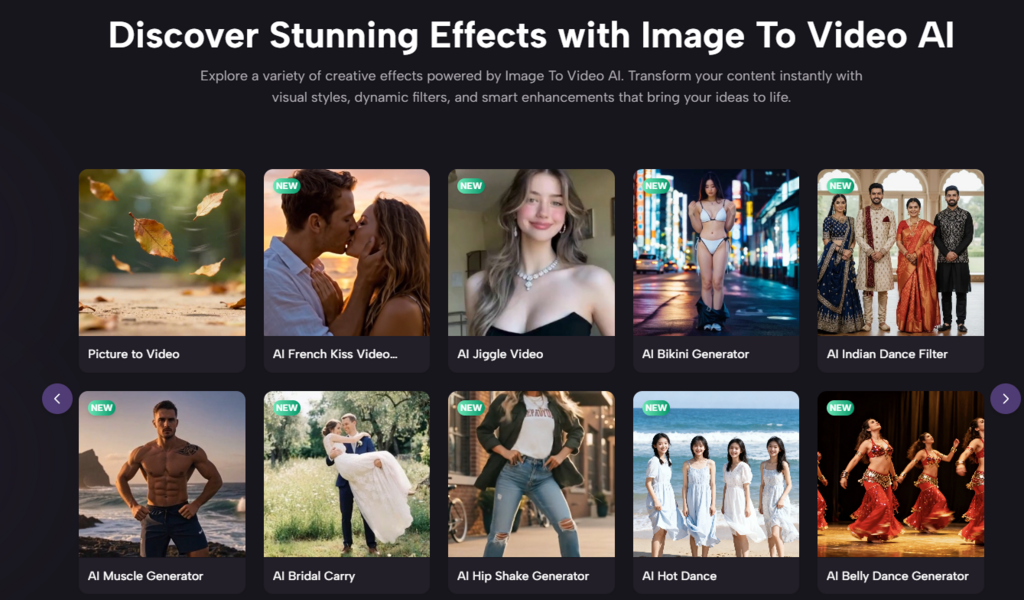
- Turning existing images into dynamic content
- Extending the lifespan of visual assets
Content Acceleration
- Producing short-form video without complex pipelines
- Adapting to motion-first platforms
Why Output Quality Depends On Conceptual Clarity
Even though the system automates motion, input quality still matters.
Prompt Clarity Influences Results
Vague prompts often lead to:
- Unfocused motion
- Inconsistent pacing
- Ambiguous outcomes
Clear prompts tend to produce:
- More stable motion
- Better alignment with intent
- More usable results
Image Quality Sets The Ceiling
The system cannot fully compensate for:
- Low resolution
- Poor composition
- Unclear subjects
Where Structured Output Tools Fit In Later Stages
As workflows mature, tools like Photo to Video begin to serve a different role. Instead of exploration, they support consistency—helping creators produce repeatable motion outputs from selected visuals.
This marks the transition from experimentation to production.
Limitations That Define Current Boundaries
It is important to recognize constraints.
Lack Of Fine-Grained Control
You cannot define:
- Exact motion curves
- Frame-by-frame timing
- Complex choreography
Variability Between Outputs
Even identical inputs may produce:
- Slightly different motion
- Variations in smoothness
- Occasional artifacts
Complex Scenes Are Less Stable
Scenes with multiple interacting elements tend to be harder to maintain consistently.
Why This Still Represents A Meaningful Shift
Despite limitations, the system introduces a new way of working.
It allows creators to:
- Focus on ideas rather than execution
- Explore motion without technical barriers
- Produce dynamic content quickly
The significance lies not in replacing existing tools, but in expanding what is possible for more people.
How Creative Workflows Are Quietly Changing
The broader shift is subtle but important.
Creators are moving from:
- Building visuals step by step
to:
- Describing outcomes and selecting results
This change reduces friction and increases experimentation.
And in environments where speed and adaptability matter, that shift is often more valuable than precision.